Manual Security Settings
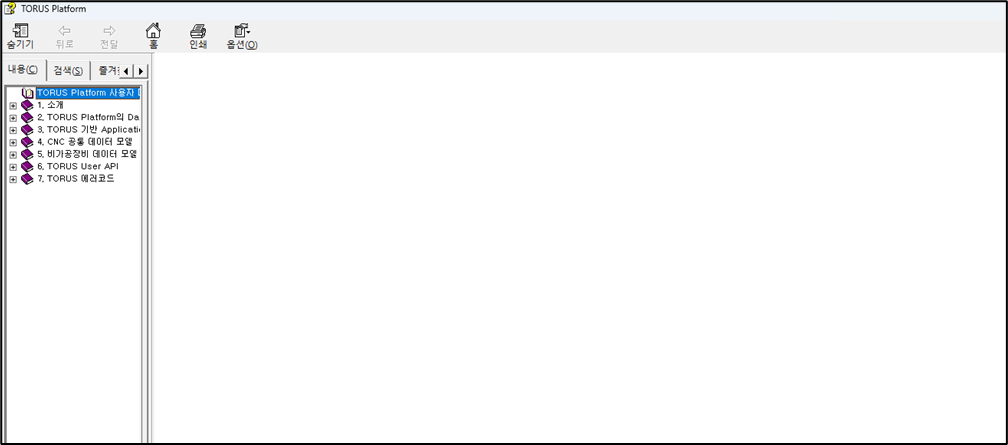
The manual file for TORUS is provided as a CHM file. CHM files can be blocked by Windows for security reasons. In this case, when you open the manual, only the table of contents is shown, and the content is not visible, as shown below.
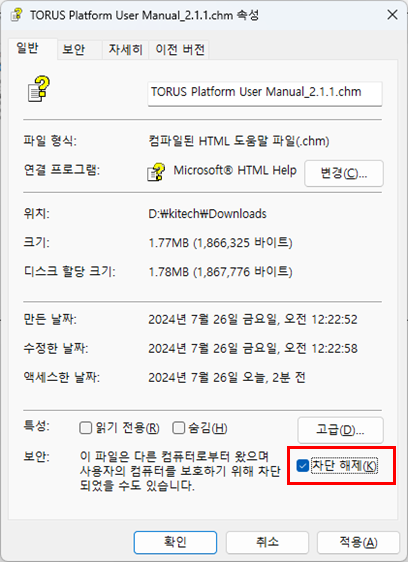
To fix this, you need to unblock the CHM file in its properties menu.
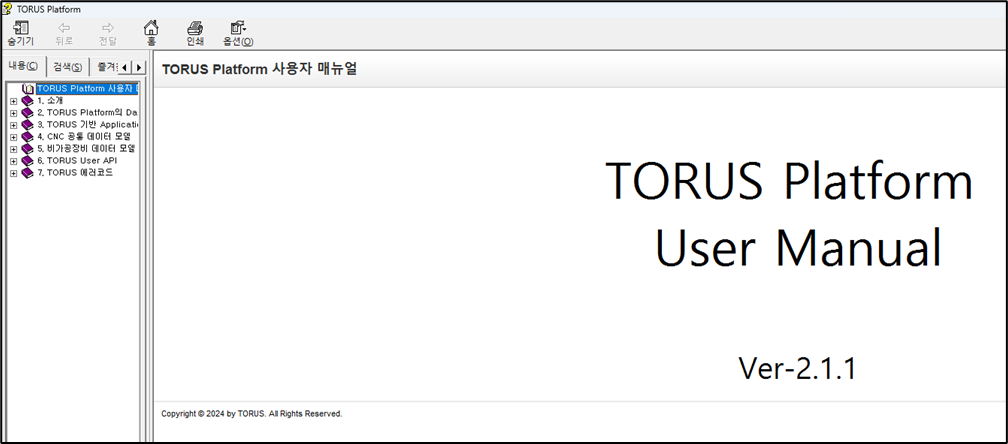
After unblocking, open the CHM file again, and the content will be displayed correctly, as shown below.